Premium Tech Gifts for Professionals
Discover the best premium tech gifts for professionals based on my personal experience. Learn which gadgets, tools, and devices truly enhance productivity, save time, and delight any professional. Practical tips included.

Main Highlights Regarding Premium Tech Gifts for Professionals
How I discovered tech gifts that genuinely improve productivity
Tools and gadgets I personally tested and still use
Lessons from gifts I bought that failed
Step by step guidance on choosing high value tech gifts
Practical tips for avoiding buyer’s remorse
FAQs about premium tech gifts for professionals
How I Discovered the Perfect Tech Gifts for Professionals
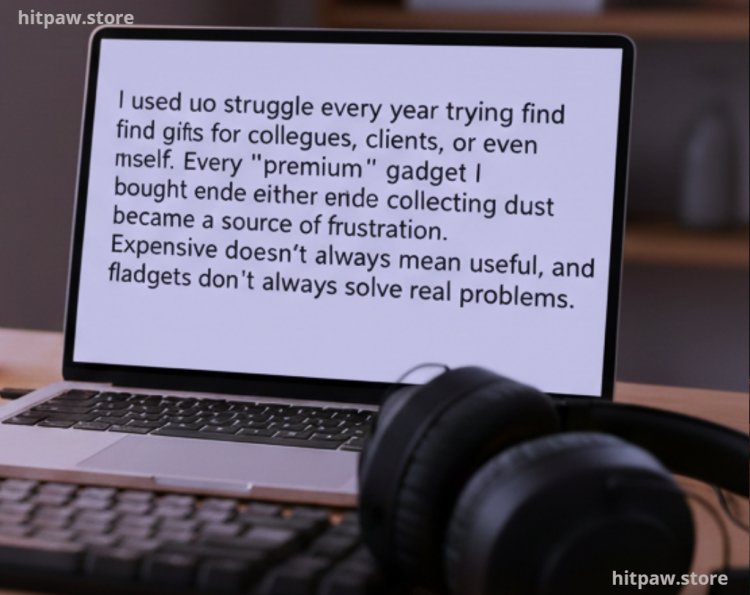
I used to struggle every year trying to find gifts for colleagues, clients, or even myself. Every “premium” gadget I bought either ended up collecting dust or became a source of frustration. Expensive doesn’t always mean useful, and flashy gadgets don’t always solve real problems.
I realized that premium tech gifts should improve workflow, save time, and genuinely help professionals. After testing dozens of gadgets, making mistakes, and learning from real feedback, I finally developed a system for choosing gifts that actually make a difference. This guide is based entirely on my personal experiences, and I’ll walk you through what worked, what didn’t, and how to pick gifts that truly add value.
Why Premium Tech Gifts Matter
Professionals constantly juggle multiple tools, deadlines, and communications. A gift that simplifies even a single task can save hours per week. I’ve experienced firsthand how small tech improvements, like a better keyboard or a cloud backup solution, can reduce stress and increase efficiency.
The key is functionality over flashiness. I learned that a $50 wireless charger could sometimes have more real world impact than a $400 “designer” gadget that the recipient couldn’t use.
Tools I Personally Tested
Over the years, I’ve experimented with dozens of tech gifts, but only a few stood out as genuinely helpful. Here’s my tested list:
Mechanical Keyboards Keychron K8 with hot swappable switches; comfortable for long typing sessions.
Noise Canceling Headphones Sony WH-1000XM5; essential for focus during calls or deep work.
Smart Notebooks Rocketbook Core; syncs handwritten notes to the cloud automatically.
Portable Monitors ASUS ZenScreen MB16AC; doubles screen space for professionals on the go.
High Speed SSDs Samsung T7; fast, reliable, and portable storage.
Wireless Charging Pads Anker PowerWave; keeps desks tidy without messy cables.
Subscription Services Adobe Creative Cloud, Grammarly Premium, or Notion Pro; software that genuinely improves workflow.
Ergonomic Accessories Adjustable laptop stands, mouse pads with wrist support, and anti fatigue desk mats.
Step 1: Identify the Problem You’re Solving
Before picking a gift, I always ask myself three questions:
Does it make work faster or simpler?
Does it reduce friction in daily tasks?
Will the recipient actually use it?
Early in my gift giving, I made the mistake of buying gadgets that looked impressive but weren’t compatible with daily workflows. For example, a premium stylus ended up useless because it didn’t sync with the recipient’s tablet. I learned compatibility beats brand or style every time.
Step 2: Test Before You Buy
I never buy tech gifts blindly. I test them personally or read detailed professional reviews. For example:
Wireless Headphones I compared Sony WH-1000XM5, Bose QuietComfort 45, and Sennheiser Momentum 4.
Portable Monitors I tested ASUS, Lenovo, and AOC models for brightness, portability, and connectivity.
Mechanical Keyboards I tried Keychron, Logitech, and Das keyboards to see which had the best tactile feel and ergonomics.
Testing ensures that the gift is not only premium but also functional, reliable, and long lasting.
Step 3: Focus on Workflow Enhancement
Professional gifts should streamline work, not just look good. Some real life examples from my experience:
Rocketbook Smart Notebook Before, I constantly misplaced notes. After using this, all handwritten notes synced to Google Drive and Notion automatically. Productivity improved significantly.
Portable Monitor On client projects, having a dual screen setup while traveling allowed me to handle emails, spreadsheets, and editing simultaneously without switching tabs endlessly.
Mechanical Keyboard Reduced typing fatigue during long document reviews, making it easier to focus on content rather than discomfort.
These examples highlight that practicality is more important than aesthetics.
What I Got Wrong the First Time
I’ve made plenty of mistakes early on:
Bought a premium stylus > incompatible with recipient’s tablet > wasted $80
Bought a fancy USB hub > too bulky for a laptop bag > never used
Bought a smart pen > required complicated software > recipient returned it
How I fixed it:
I started testing each tool personally.
I checked for device compatibility, software requirements, and connectivity options.
I observed recipients’ daily workflow to understand what they actually needed.
These steps drastically reduced wasted purchases and increased satisfaction.
Real Feedback
Wireless Headphones A client said, “These headphones make calls so much smoother; I don’t get distracted anymore.”
Portable Monitor My colleague commented, “Having a second screen changed the way I work; I can finally multitask efficiently.”
Smart Notebook My assistant mentioned, “I never lose a note now; everything syncs automatically to the cloud.”
High Speed SSD Saved a project disaster when my laptop drive failed; files were instantly retrievable.
Feedback proved that premium tech gifts must be practical and solve real problems.
Tips From My Experience
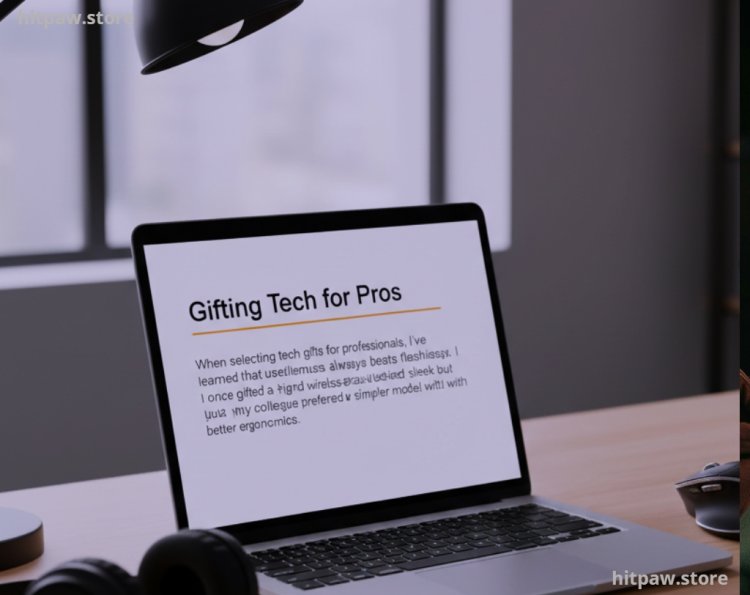
When selecting tech gifts for professionals, I’ve learned that usefulness always beats flashiness. I once gifted a high end wireless mouse just because it looked sleek but my colleague preferred a simpler model with better ergonomics.
My Tip: Focus on tools that save time, reduce frustration, or integrate seamlessly into daily workflows. Even small upgrades like a fast charging hub or a mechanical keyboard can have a bigger impact than expensive gadgets with unused features. Test it for practicality first, aesthetics second.
Care Table
|
Item |
Maintenance Frequency |
Notes |
|
Mechanical Keyboard |
Monthly |
Clean dust, replace keycaps if needed |
|
Noise Canceling Headphones |
Weekly |
Wipe ear cushions, check firmware |
|
Rocketbook Notebook |
After Each Session |
Scan notes to cloud to avoid loss |
|
Portable Monitor |
Monthly |
Clean screen, check cable integrity |
|
High Speed SSD |
Quarterly |
Backup files, check drive health |
Final Considerations
Premium tech gifts are about functionality, usability, and workflow enhancement, not price or brand. My personal method observe, test, prioritize practicality, and get feedback helps avoid wasted money and ensures gifts actually make life easier.
The main takeaway: gifts that genuinely improve work habits are always appreciated, while flashy but impractical gadgets get ignored. By focusing on the recipient’s daily challenges, testing before buying, and prioritizing tools that save time or increase efficiency, you’ll always pick gifts that make a lasting impact.
FAQs Premium Tech Gifts for Professionals
Q1: What makes a tech gift “premium” for professionals?
A premium tech gift isn’t about the price tag it’s about functionality, build quality, and real world usefulness. From my experience, gadgets that save time, reduce frustration, or improve workflow qualify as premium, even if they aren’t the most expensive.
Q2: How do I ensure the gift will actually be used?
Observe the recipient’s workflow. I always check what tools they already use and what tasks they spend most time on. A gift that solves a real problem or integrates with their daily routine is more likely to be appreciated.
Q3: Are subscriptions better than hardware gifts?
Sometimes, yes. I’ve found that software like Adobe Creative Cloud, Notion Pro, or Grammarly Premium often has more lasting impact than physical gadgets because it’s used daily and boosts productivity consistently.
Q4: Can small accessories be effective premium gifts?
Absolutely. Items like ergonomic mouse pads, cable organizers, USB-C hubs, or wireless chargers might seem simple, but they significantly improve workflow. In my experience, these small gifts often get used more than flashy gadgets.
Q5: How do I avoid compatibility issues?
Check device specifications carefully. For example, if gifting a portable monitor, ensure it supports the recipient’s laptop ports. Wireless accessories should match device OS or Bluetooth versions. Testing or reading detailed reviews beforehand is crucial.
Q6: Is it worth gifting tech that requires learning?
It depends. If the learning curve is small and the value is high (like a smart notebook syncing to the cloud), it’s worth it. Avoid tools that are overly complex unless you know the recipient enjoys experimenting with new tech.
Q7: How often should premium tech gifts be upgraded?
I’ve learned that upgrades should be driven by functionality, not hype. Only replace a tool when it clearly improves workflow or solves a problem the older version couldn’t. Chasing every new release often wastes money.
What's Your Reaction?