Tools That Help Learn Faster
Discover the tools that helped me learn faster and stay productive. From Anki and Notion to focus apps, I share hands on tips, step by step strategies, and lessons learned from my experience.

Key Points Regarding Tools That Help Learn Faster
• I struggled with slow learning, poor retention, and information overload before using the right tools
• Learning faster is not about intelligence, it’s about systems and tools
• I tested digital tools, physical tools, and learning workflows personally
• Some tools worked immediately, others failed badly at first
• The biggest improvement came from combining tools with simple habits
• These tools helped me save time, stay focused, and remember more
Tools That Help Me Learn Faster
For a long time, I felt like I was working hard but learning slowly. I would watch tutorials, read articles, and take notes, but after a few days, most of it was gone. I blamed myself at first. I thought maybe I wasn’t smart enough or disciplined enough.
The real problem wasn’t my ability it was how I was learning.
Once I started using the right tools in the right way, everything changed. I began learning faster, retaining more, and applying knowledge instead of forgetting it. This post is not theory. It’s based on tools I personally used, tested, and sometimes failed with.
Learning faster doesn’t mean rushing. It means reducing friction. Every time learning feels heavy, slow, or confusing, something in the system is broken. My goal became simple: remove friction wherever possible.
I stopped asking “What should I learn?” and started asking “What tool can make this easier to learn?”
Materials I Used to Learn Faster
Here’s the actual stack I used over time. Not everything worked immediately.
Digital Tools
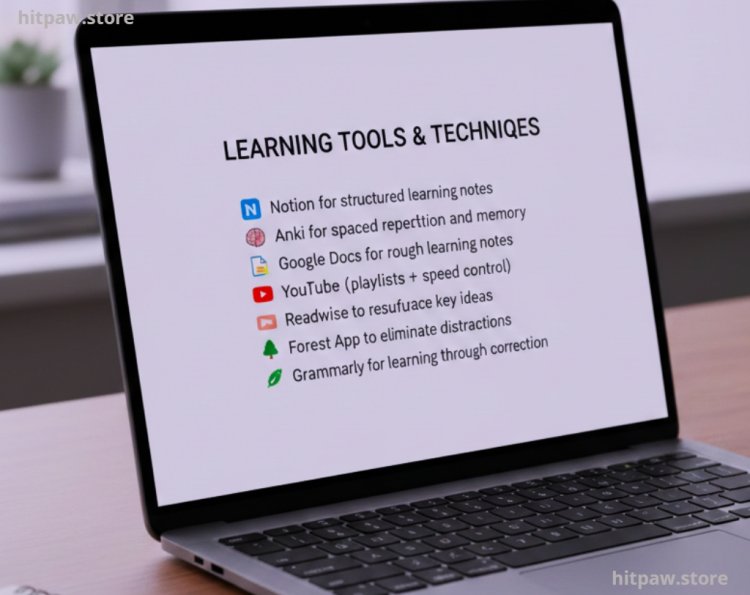
• Notion for structured learning notes
• Anki for spaced repetition and memory
• Google Docs for rough learning notes
• YouTube (playlists + speed control)
• Readwise to resurface key ideas
• Forest App to eliminate distractions
• Grammarly for learning through correction
Physical Tools
• A5 dotted notebook (for quick recall writing)
• Blue and black pens (color separation matters)
• Sticky notes (for active recall reminders)
• Whiteboard (cheap, small, but powerful)
Hardware
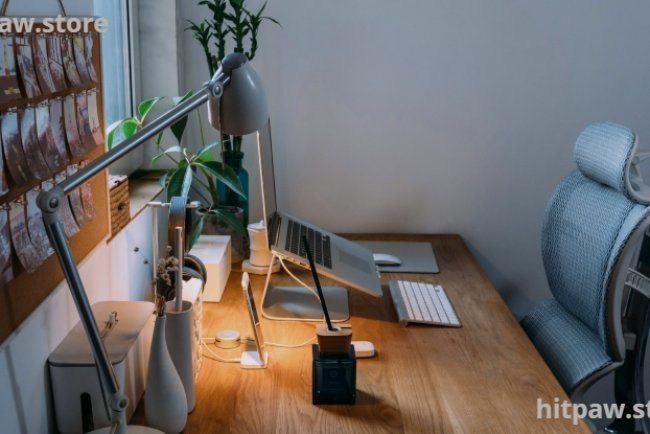
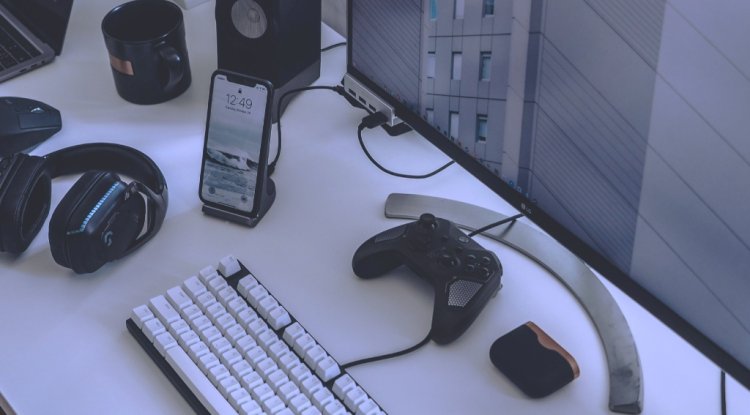
• Laptop with good keyboard
• Noise canceling headphones
• External monitor (huge learning boost)
Why I Was Learning Slowly (The Pain)
My biggest problems were:
• I consumed more than I processed
• I highlighted things but never reviewed them
• I watched tutorials passively
• I didn’t test myself
• I confused “time spent” with “progress made”
No tool fixed this alone. But the right combination did.
Step by Step: How I Built a Faster Learning System
Step 1: Define One Learning Goal at a Time
Before tools, I fixed this mistake.
Instead of:
“I want to learn everything about this topic”
I switched to:
“I want to understand this one thing well enough to explain it”
This changed how I used tools.
Step 2: Capture Information Fast (Without Overthinking)
At first, I tried to make perfect notes. That slowed me down.
Now I:
• Dump rough notes into Google Docs
• Use bullet points
• No formatting during learning
This speeds up intake and reduces mental pressure.
Step 3: Convert Notes Into Structured Knowledge
After learning, I move important ideas into Notion.
I structure notes like this:
• Concept
• Why it matters
• Simple explanation in my own words
• One example
• One mistake to avoid
This step alone doubled my retention.
Step 4: Use Active Recall (This Changed Everything)
Reading notes feels productive but it’s fake progress.
I started:
• Writing questions instead of summaries
• Testing myself without looking
• Explaining concepts out loud
This is where Anki helped massively.
I didn’t add everything. Only:
• Definitions I kept forgetting
• Frameworks
• Step sequences
Step 5: Control Focus Aggressively
Learning faster required less distraction, not more content.
Tools that helped:
• Forest app (blocks phone usage)
• Noise canceling headphones
• Fullscreen mode while learning
I learned more in 30 focused minutes than in 3 distracted hours.
Practical Examples From Real Life
Example 1: Learning a New Software Tool
Before:
• Watched 10 videos
• Forgot most steps
• Had to rewatch everything
After tools:
• Watched one video
• Wrote steps on paper
• Tested immediately
• Added mistakes to Anki
Result: Learned in 40% less time.
Example 2: Learning Concepts for Blogging
I used to read articles and feel motivated but confused.
Now:
• Read one article
• Summarize in 5 lines
• Write one real example
• Teach it back in my own words
That’s how knowledge sticks.
Share Real Feedbacks
• My note reviews went from chaos to clarity
• I stopped re learning the same things
• My confidence improved because I remembered more
• I spent less time but got better results
The biggest feedback came from my own behavior I stopped procrastinating learning because it felt manageable.
What I Got Wrong the First Time
Mistake 1: Collecting Too Many Tools
At first, I installed everything.
Result:
• Confusion
• Tool switching
• No consistency
Fix: I kept only 3 core tools and mastered them.
Mistake 2: Passive Consumption
Watching videos without writing or testing felt easy.
Fix: Every learning session now ends with output:
• Notes
• Questions
• Practice
Mistake 3: Over Organizing
I wasted time beautifying notes.
Fix: Ugly notes > no notes.
Maintenance Table (Learning System Care)
|
Task |
Frequency |
Why It Matters |
|
Review Anki cards |
Daily |
Prevent forgetting |
|
Clean Notion notes |
Weekly |
Keep clarity |
|
Update learning goals |
Monthly |
Avoid overload |
|
Remove unused tools |
Quarterly |
Reduce friction |
Tip From My Experience
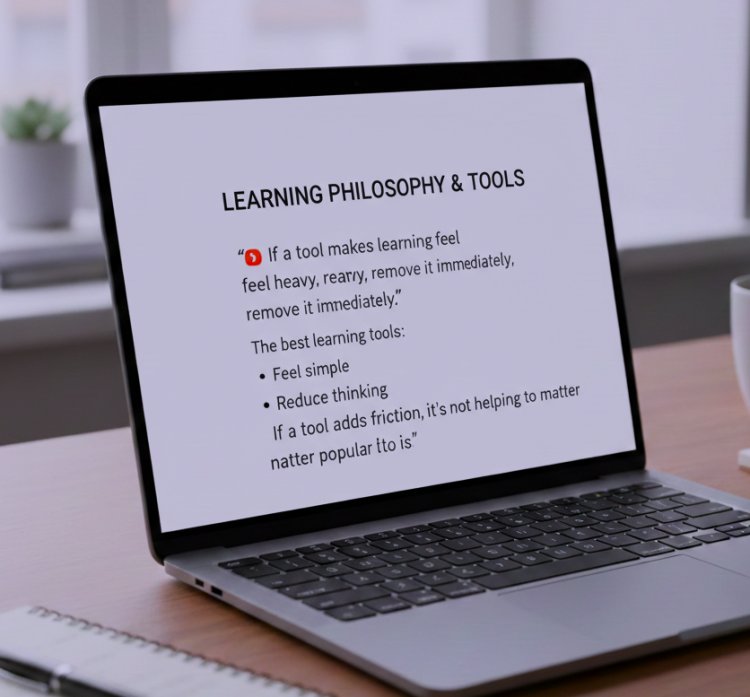
If a tool makes learning feel heavy, remove it immediately.
The best learning tools:
• Feel simple
• Reduce thinking
• Encourage action
If a tool adds friction, it’s not helping no matter how popular it is.
Wrapping It Up
Learning faster is not about shortcuts. It’s about systems that respect how the brain works. Tools don’t replace effort, but they remove unnecessary struggle.
Once I stopped blaming myself and fixed my tools, learning became enjoyable. I wasn’t overwhelmed anymore. I wasn’t stuck re learning the same things. I was moving forward.
If you take one thing from this guide, let it be this:
Learning speed improves when tools support thinking, not replace it.
Frequently Asked Questions
1. Do tools actually make learning faster?
Yes, but only if used correctly. Tools like Anki, Notion, and Forest help structure your learning, reinforce memory, and reduce distractions. Without consistent effort, tools alone won’t speed up learning.
2. Which tool is best for beginners?
For someone starting out, I recommend Notion for organizing notes, Anki for memory retention, and a simple timer or app like Forest to maintain focus. Start small and gradually expand your toolkit.
3. How many tools should I use at once?
I learned the hard way: too many tools can overwhelm you. Stick to 2–3 core tools and master them first. Later, you can add additional tools based on your specific learning needs.
4. Can digital tools replace handwritten notes?
Not entirely. I use digital tools for storage and structured review, but handwriting key points or summaries enhances recall and engages different parts of your brain.
5. How can I avoid wasting time on learning tools?
Focus on simplicity. Choose tools that reduce friction, not add complexity. Test them for a week: if they don’t improve your workflow, remove them immediately.
6. Are paid tools worth it for learning faster?
Not always. Many free or low cost tools are excellent. Invest in paid tools only after you understand your workflow and know they will significantly improve productivity.
7. How do I track progress using these tools?
Use a combination of progress tracking in apps like Notion or Trello, and self testing via Anki or active recall exercises. Tracking progress ensures you’re actually learning, not just consuming content.
What's Your Reaction?