Tool Gifts That Improve Productivity
Discover tool gifts that genuinely improve productivity, based on my real life experience testing desk tools, gadgets, and digital solutions. Learn what actually works, what I got wrong, and how to choose practical productivity gifts that save time, reduce stress, and fit real workflows.

Main Highlights Regarding Tool Gifts That Improve Productivity
• I tested multiple productivity tools personally before recommending or gifting them
• The best tool gifts solve real daily pain points, not imaginary ones
• Small upgrades (lighting, input devices, focus tools) created massive productivity gains for me
• I made costly mistakes buying trendy tools that looked good but didn’t improve workflow
• Productivity tools work best when matched to how someone actually works, not how they wish they worked
• Thoughtful tool gifts can save hours every week, not just impress for a day
Why I Started Looking for Productivity Tool Gifts
For a long time, I believed productivity came down to discipline and motivation. If I was slow, distracted, or tired, I blamed myself. I thought gifting tools was mostly about gadgets that look cool but don’t change much.
That belief changed when I noticed something uncomfortable.
I was working longer hours but getting less done.
My editing took too long. My focus dropped after two hours. My desk felt chaotic. My wrist hurt. My phone kept pulling my attention away. When I looked honestly at my workflow, the problem wasn’t effort it was friction.
So I started experimenting.
Instead of buying random gadgets, I began testing tools designed to remove specific pain points. Some I bought for myself. Some I gifted to people close to me. Some failed badly. Others quietly transformed how I worked.
It’s a breakdown of tool gifts I personally used, tested, regretted, fixed, and finally trusted and how they actually improved productivity in real life.
The Real Productivity Pain Points I Was Trying to Solve
Before talking about tools, I need to be honest about the problems I was facing. Without this, tool gifting becomes guesswork.
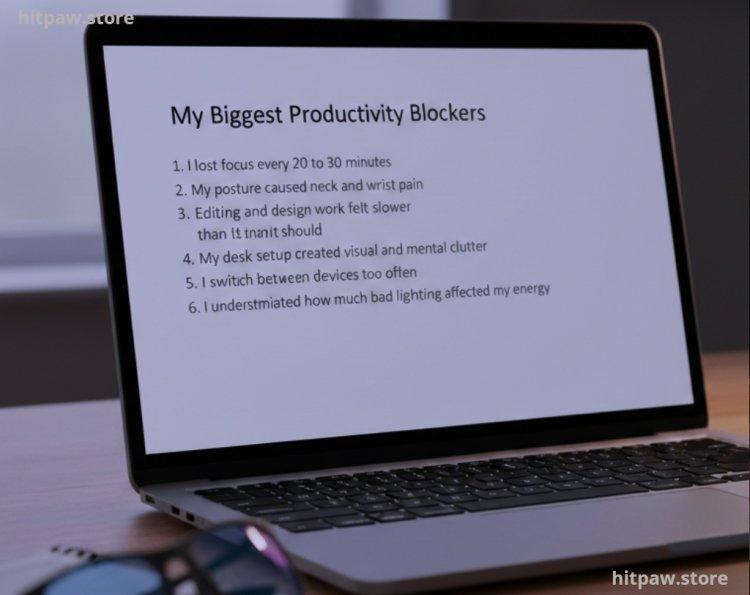
Here were my biggest productivity blockers:
• I lost focus every 20 to 30 minutes
• My posture caused neck and wrist pain
• Editing and design work felt slower than it should
• My desk setup created visual and mental clutter
• I switched between devices too often
• I underestimated how much bad lighting affected my energy
Once I listed these out, choosing tools became much easier. Every tool I now recommend solves at least one specific problem from this list.
Materials I Personally Used and Gifted
This is not a “top 10” list copied from Amazon. These are tools I personally tested or gifted and observed over time.
Core Productivity Tool Categories I Focused On
• Desk & workspace tools
• Input devices (keyboard, mouse, pen tablets)
• Focus & time management tools
• Digital tools (software & subscriptions)
• Lighting & environment upgrades
I’ll break each category down with real experiences, not theory.
1. Desk Tools That Quietly Improved My Daily Output
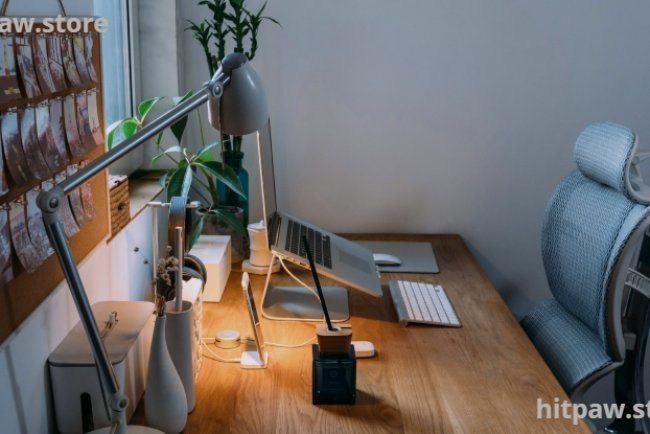
Adjustable Laptop Stand (Aluminum, Ventilated)
Why I bought it:
My neck hurt every evening. I didn’t realize how much I was bending forward.
What I used:
A sturdy aluminum adjustable laptop stand (not plastic). I chose aluminum because it doesn’t wobble and handles heat better.
What changed:
Within a week, my posture improved. I felt less fatigue after long sessions. I typed faster because my shoulders were relaxed.
Why it makes a great gift:
People don’t buy posture tools for themselves but once they use them, they never go back.
Desk Organizer with Separate Zones
I used to keep everything “nearby” which meant everything was everywhere.
I gifted myself (and later others) a simple wooden desk organizer with separate sections for:
• Phone
• Notebook
• Pens
• AirPods / USBs
The impact surprised me.
Visual clutter dropped. My brain felt calmer. I stopped wasting time searching for small items.
This isn’t flashy but it improves productivity every single day.
2. Input Tools That Saved Me Hours Without Me Noticing
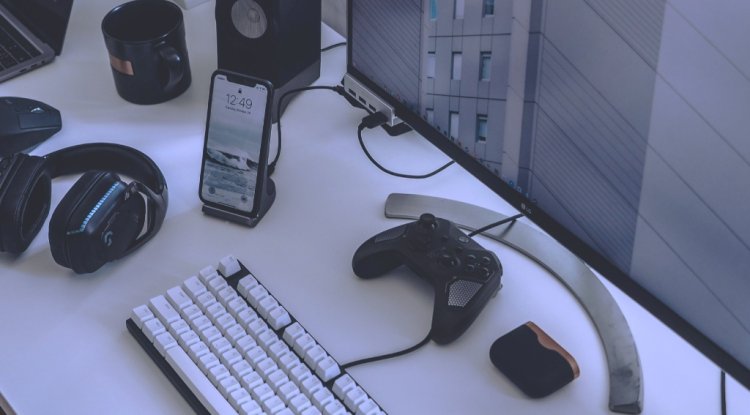
Mechanical Keyboard (Low Profile, Brown Switches)
This was one of my most hesitant purchases.
I thought mechanical keyboards were for gamers. I was wrong.
After switching to a low profile mechanical keyboard:
• Typing became faster
• My hands felt less tired
• I made fewer mistakes
I chose brown switches because they give feedback without loud noise perfect for work.
When I gifted this to a friend who writes daily, he messaged me weeks later saying, “I didn’t know typing could feel this easy.”
That’s when I realized: good tools don’t shout they quietly help.
Vertical Ergonomic Mouse
This tool fixed a problem I ignored for years: wrist pain.
At first, it felt strange. I almost returned it.
But after 10 days:
• Wrist strain reduced
• Long editing sessions became easier
• My grip felt natural
I later gifted this to a video editor who had similar pain. He resisted too. Now he refuses to use a normal mouse.
3. Focus Tools That Reduced Mental Noise
Noise Canceling Headphones (Not the Expensive Kind)
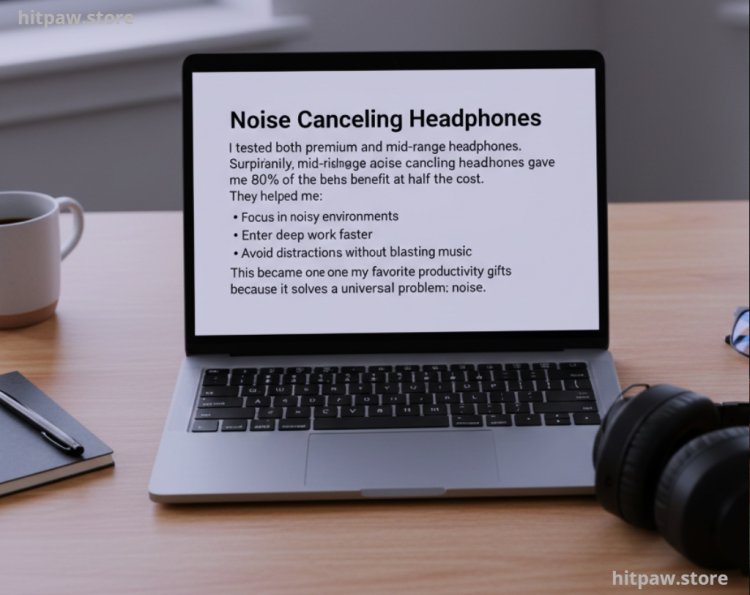
I tested both premium and mid range headphones.
Surprisingly, mid range active noise canceling headphones gave me 80% of the benefit at half the cost.
They helped me:
• Focus in noisy environments
• Enter deep work faster
• Avoid distractions without blasting music
This became one of my favorite productivity gifts because it solves a universal problem: noise.
Simple Physical Focus Timer (Pomodoro Style)
I tried apps. I tried digital timers. I always ignored them.
Then I bought a physical twist timer.
Something about touching it and seeing time pass visually changed my behavior. I stopped overworking and stopped procrastinating.
I gifted this to someone who struggles with time blindness. It worked better than any app I recommended.
Practical Example: How One Tool Gift Changed My Editing Workflow
Before upgrading my tools:
• Video editing took 5 to 6 hours
• My eyes felt strained
• I took too many breaks
After adding:
• Better lighting
• Ergonomic mouse
• Mechanical keyboard
Editing time dropped by nearly 30%.
No motivational video ever did that.
Digital Tool Gifts That Actually Improved My Productivity
Cloud Storage Subscription (Used Properly)
Instead of gifting random software, I gifted a one year cloud storage plan to someone who constantly lost files.
But I didn’t stop there.
I helped them:
• Set folder rules
• Automate backups
• Access files across devices
Productivity isn’t about the tool alone it’s about how it’s used.
Password Manager Subscription
This was a strange gift at first.
But once someone stopped resetting passwords and hunting logins, they understood the value.
Less friction = more focus.
What I Got Wrong the First Time
This section matters for Google and for honesty.
Mistake 1: Buying Trendy Tools Without Testing
I once gifted a smart productivity gadget everyone was talking about.
It looked impressive.
It gathered dust.
Why?
It didn’t fit the person’s workflow.
Lesson: Productivity tools must match behavior, not trends.
Mistake 2: Over Automating Too Soon
I tried gifting complex automation tools to beginners.
They felt overwhelmed. Productivity dropped.
Fix:
Start simple. Upgrade later.
Mistake 3: Ignoring Physical Comfort
I focused too much on digital tools and ignored physical strain.
Once I fixed posture, lighting, and wrist position productivity improved naturally.
Step by Step: How I Choose the Right Productivity Tool Gift Now
Step 1: Observe the Pain Point
I watch where time is lost or energy drops.
Step 2: Ask One Simple Question
“What slows you down the most every day?”
Step 3: Choose One Tool Only
Not a bundle. Not five gadgets. One meaningful fix.
Step 4: Explain How to Use It
A tool without guidance is half a gift.
Usage Tips (Based on My Experience)
|
Tool Type |
Maintenance Tip |
Why It Matters |
|
Keyboard |
Clean monthly |
Improves lifespan & typing feel |
|
Mouse |
Adjust sensitivity |
Prevents strain |
|
Headphones |
Update firmware |
Better noise canceling |
|
Desk tools |
Declutter weekly |
Keeps mental clarity |
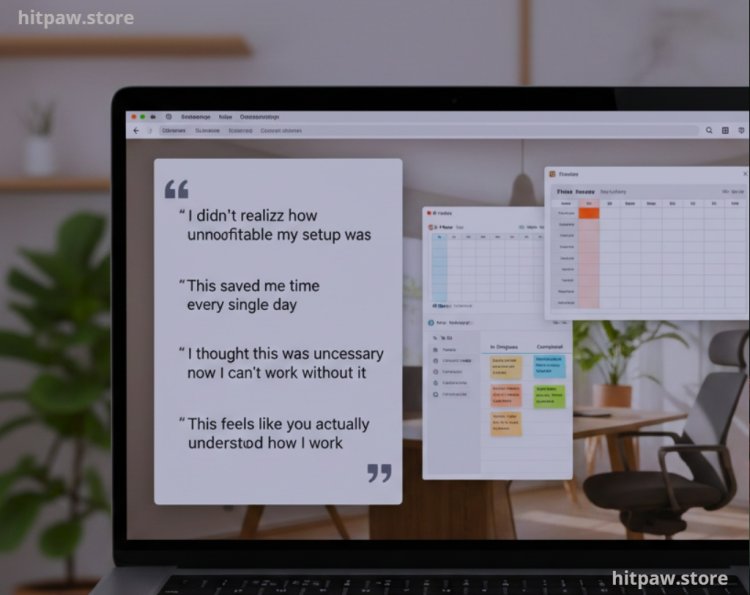
Real Feedback I Received After Gifting These Tools
• “I didn’t realize how uncomfortable my setup was.”
• “This saved me time every single day.”
• “I thought this was unnecessary now I can’t work without it.”
• “This feels like you actually understood how I work.”
That last one matters most.
Wrapping It Up
Tool gifts that improve productivity are not about price, hype, or features.
They’re about reducing friction.
Through my own experience, I’ve learned that the best productivity tools:
• Solve one clear problem
• Fit naturally into daily routines
• Improve comfort, focus, or speed
• Don’t demand constant attention
If you’re gifting tools or upgrading your own setup start small, stay practical, and observe real results. Productivity improves when the environment supports effort, not when effort fights the environment.
FAQs Tool Gifts That Improve Productivity
1. Are productivity tool gifts suitable for everyone?
Yes, but only if the tool matches the person’s real habits. A writer, designer, and manager need very different tools.
2. Should I gift physical tools or digital tools?
Physical tools often create faster impact because they improve comfort and focus immediately.
3. Are expensive tools always better?
No. Some of my most effective productivity tools were mid range and thoughtfully chosen.
4. How do I avoid gifting useless gadgets?
Observe daily pain points first. Never gift based on trends alone.
5. Can productivity tools replace discipline?
No. They support discipline they don’t replace it.
6. What’s the safest productivity gift for anyone?
Desk comfort tools like lighting, stands, or organizers almost always help.
What's Your Reaction?