AI Productivity Tools as Gift Ideas
I share AI productivity tools I personally tested and gifted, what worked, what failed, and how to choose the right AI tool as a practical gift.

Main Highlights Regarding AI Tools for Productivity as Gift Ideas
• I tested AI productivity tools myself before recommending them as gifts
• AI tools can save hours weekly when chosen for the right person
• Subscription based AI tools can be smarter gifts than physical gadgets
• I made mistakes gifting AI tools without considering skill level
• Practical setup and onboarding matter more than tool price
• AI productivity gifts work best when paired with simple workflows
Why I Even Looked at AI Tools as Gifts
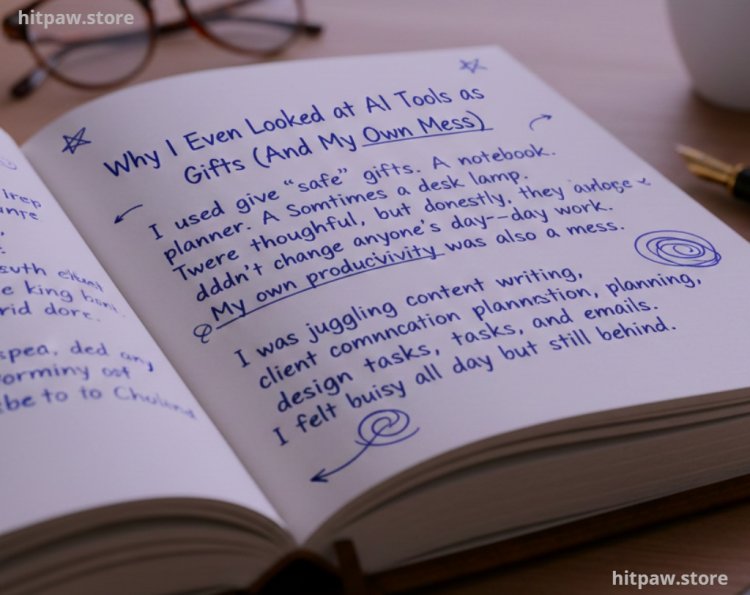
I used to give “safe” gifts. A notebook. A planner. Sometimes a desk lamp. They were thoughtful, but honestly, they didn’t change anyone’s day to day work.
My own productivity was also a mess. I was juggling content writing, client communication, planning, design tasks, and emails. I felt busy all day but still behind.
That frustration pushed me to experiment with AI tools for productivity, not as hype, but as survival tools. When I finally figured out which tools genuinely saved me time, I realized something important:
These tools make powerful, practical gifts if you choose them correctly.
This guide is based on tools I personally used, gifted, failed with, and refined over months of real work.
Why AI Productivity Tools Make Meaningful Gifts
A good gift solves a problem.
AI productivity tools do exactly that when matched with the right person.
I stopped thinking of gifts as “objects” and started seeing them as time savers. A tool that saves even 30 minutes a day becomes life changing over a year.
But I learned the hard way:
Not every AI tool fits every personality, job, or tech comfort level.
That’s why I’m sharing what actually worked and what didn’t.
Tools I Personally Used and Gifted
Before recommending anything, I tested these tools in my own workflow. AI Productivity Tools I Used
• Notion AI task planning, content drafts, meeting notes
• ChatGPT Plus brainstorming, outlining, rewriting, research support
• Grammarly Premium writing clarity, tone fixing, email polishing
• Otter.ai meeting transcription and action summaries
• Motion AI automatic task scheduling
• Trello + AI Power Ups project breakdowns
• Canva AI quick visual creation for work and presentations
Devices & Setup
• Laptop with 16GB RAM (AI tools run smoother)
• Stable internet (this matters more than people admit)
• Noise canceling headphones (focus improvement)
These weren’t random picks. Each solved a specific productivity pain.
How I Used AI Tools Daily
Example 1: Writing & Planning
I used ChatGPT Plus to:
• Turn rough ideas into structured outlines
• Rewrite emails professionally in seconds
• Summarize long documents I didn’t have time to read
Time saved: 2 to 3 hours per week
Example 2: Task Overload
Motion AI automatically scheduled my tasks based on deadlines.
Instead of guessing what to work on, I followed a clear plan.
Mental relief was immediate.
Example 3: Meetings
Otter.ai recorded meetings, transcribed them, and highlighted action items.
No more “What did we decide again?” moments.
From People I Gifted These Tools To
I didn’t just use these myself. I gifted them.
• A freelance designer told me Grammarly Premium helped her sound more confident with clients
• A student said Notion AI helped organize assignments without overwhelm
• A small business owner said ChatGPT reduced his planning time dramatically
One honest reaction stood out:
“This is the first gift that actually made my workday easier.”
That’s when I knew these weren’t gimmicks.
Step by Step: How I Choose the Right AI Tool as a Gift
Step 1: Identify the Person’s Biggest Pain
I ask myself:
• Do they struggle with writing?
• Planning?
• Focus?
• Time management?
Step 2: Match the Tool to That Pain
• Writing > Grammarly, ChatGPT
• Planning > Notion AI, Motion
• Meetings > Otter.ai
• Visual work > Canva AI
Step 3: Avoid Overcomplicated Tools
I avoid tools with steep learning curves for beginners.
Step 4: Include Simple Setup Help
I always send:
• A short guide
• A starter template
• One clear use case
This step alone doubled success.
What I Got Wrong the First Time
I made mistakes real ones.
Mistake #1: Gifting an Advanced Tool to a Beginner
I once gifted Notion AI to someone who barely used digital planners.
They felt overwhelmed and never used it.
Fix:
I now start beginners with simpler tools like Grammarly or ChatGPT.
Mistake #2: Assuming AI Explains Itself
AI tools don’t magically onboard users.
Fix:
I now include:
• One example task
• One workflow
• One clear benefit
That changed everything.
Maintenance & Usage Table (Simple but Effective)
|
Task |
Frequency |
Why It Matters |
|
Update AI prompts |
Monthly |
Keeps output relevant |
|
Review subscriptions |
Quarterly |
Avoid paying for unused tools |
|
Learn one new feature |
Monthly |
Gradual skill growth |
|
Clean task boards |
Weekly |
Reduces overwhelm |
I don’t over optimize. I keep it realistic.
Tips From My Experience
• AI tools work best when limited to one main purpose
• Subscriptions are better gifts than lifetime licenses
• Pair AI tools with habits, not expectations
• Less features = more actual use
• Productivity improves when stress drops, not when pressure increases
Wrapping It Up Honestly
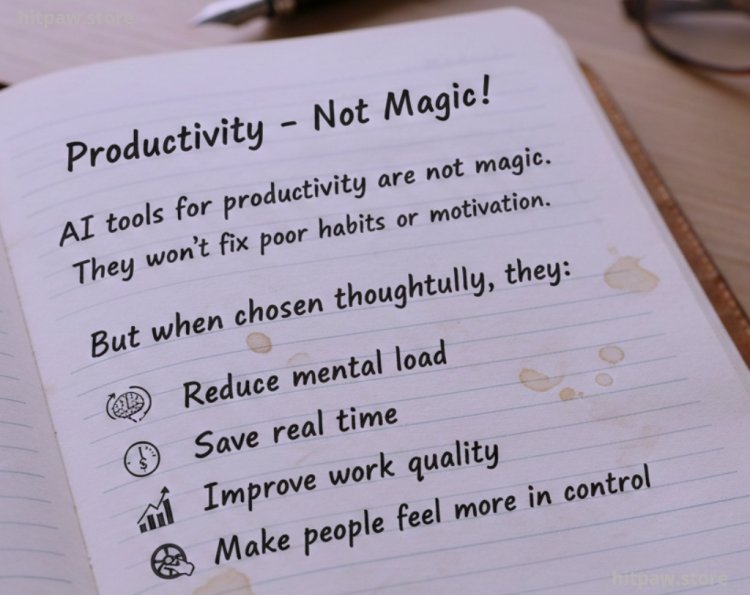
AI tools for productivity are not magic.They won’t fix poor habits or motivation.But when chosen thoughtfully, they:
• Reduce mental load
• Save real time
• Improve work quality
• Make people feel more in control
From my experience, these tools make some of the most practical gifts I’ve ever given especially for students, freelancers, remote workers, and entrepreneurs.
The best part?
You’re not gifting “software.”
You’re gifting time and clarity.
Frequently Asked Questions
1. Are AI productivity tools good gifts for non technical people?
Yes, if you choose beginner friendly tools like Grammarly or ChatGPT and provide simple guidance.
2. Is a subscription really better than a physical gift?
In my experience, yes. Subscriptions deliver ongoing value instead of short term excitement.
3. Which AI tool is best as a first productivity gift?
ChatGPT Plus or Grammarly Premium are the safest starting points.
4. Can AI tools replace human work?
No. They support thinking, planning, and execution not replace judgment.
5. Are AI tools worth the cost long term?
If they save even one hour per week, they usually pay for themselves.
6. How do I ensure the gift actually gets used?
Give one clear use case and help with initial setup.
What's Your Reaction?