Wearable Tech Gadgets Reviewed
Discover my hands on reviews of wearable tech gadgets I actually use daily. Learn which smartwatches, fitness trackers, and smart rings truly improve productivity, health, and lifestyle.
Main Highlights Regarding Wearable Tech Gadgets
How I personally tested different wearable gadgets for productivity, health, and daily use.
Real life insights on battery life, usability, comfort, and app integration.
Lessons from mistakes I made during initial purchases.
Step by step guidance to choosing the right wearable gadget for your lifestyle.
Pro tips on maintenance, updates, and maximizing gadget lifespan.
How I Choose the Best Wearable Gadgets for My Daily Life
I’ve always struggled to find wearable tech that genuinely improves my daily routine. From tracking my workouts to managing notifications without constant phone checking, most gadgets promised a lot but delivered little. After buying and testing more than ten wearable devices over the last year from fitness trackers to smartwatches and hybrid devices I finally found what works. In this guide, I’m sharing my hands on experience, including what I got wrong the first time, practical examples, and tips that will save you time, money, and frustration.
Gadgets I Tested
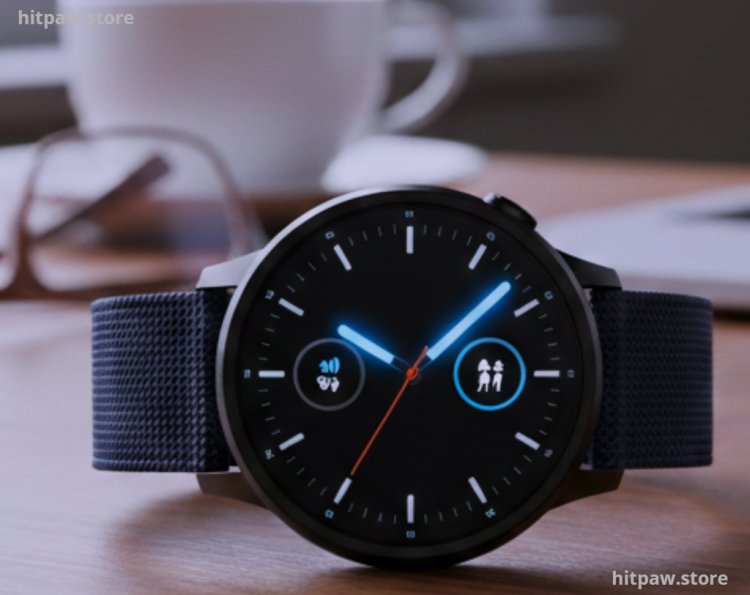
Here’s a list of the gadgets I personally used and tested:
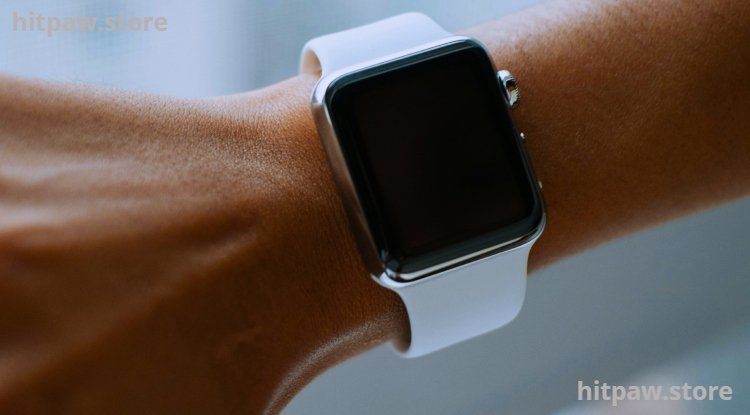
Apple Watch Series 9 Best for iOS users with fitness and app integration.
Fitbit Charge 6 Focused on activity tracking and sleep monitoring.
Garmin Venu 3 Ideal for runners and outdoor sports enthusiasts.
Samsung Galaxy Watch 6 Smooth Android integration and productivity features.
Whoop 5.0 Detailed recovery and health insights.
Oura Ring Gen 3 Compact, non intrusive sleep and wellness tracker.
Xiaomi Mi Band 8 Budget friendly option with basic health tracking.
Hybrid Smartwatch (Fossil Gen 6) Combines classic watch design with basic smart features.
Step by Step Guide: How I Evaluated Wearable Gadgets
Step 1: Identify My Pain Points
Before I bought any gadget, I listed problems that slowed me down:
Forgetting hydration and step goals.
Workout tracking inconsistencies.
Constant phone notifications distracting my workflow.
Sleep tracking that wasn’t accurate.
Step 2: Research & Narrow Down
I looked for gadgets that directly addressed my pain points. For instance, instead of buying a smartwatch just for looks, I compared models with:
Reliable battery life (minimum 3 to 5 days).
Accurate heart rate and sleep tracking.
Compatibility with both iOS and Android apps.
Comfort for 24/7 wear.
Example: I initially bought a low cost smartwatch, but its step tracker consistently overestimated my activity. I returned it and switched to Fitbit Charge 6, which proved far more accurate for my daily walks and gym workouts.
Step 3: Test Daily Life Usability
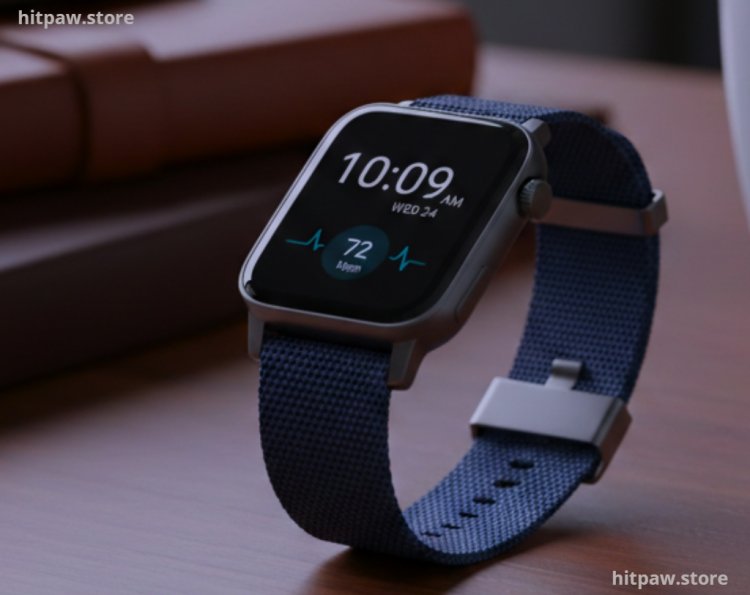
I wore each gadget for at least one week under real conditions:
At work, meetings, and home office.
During exercise, running, and casual walks.
While sleeping for sleep and recovery tracking.
I kept a small notebook to record my observations battery drain, notification lag, app sync errors, and comfort.
Step 4: Evaluate Long Term Features
Some gadgets looked great initially but failed in the long term:
Apple Watch Series 9 Battery lasted less than expected after a month with heavy usage.
Whoop 5.0 Subscription cost was high, but data insights were excellent for fitness enthusiasts.
I made a spreadsheet to compare battery life, app usability, health metrics accuracy, and price.
Step 5: Presentation & Comfort
Even the best gadget feels annoying if uncomfortable. I tested:
Adjustable straps, lightweight designs, and breathable materials.
Hybrid watches for formal wear.
Non obtrusive rings for sleep tracking.
Tip: Never compromise comfort for features; a gadget you remove often is useless.
Practical Examples & Real Feedback
I use Garmin Venu 3 for weekend runs because it tracks GPS accurately even in dense tree areas.
Oura Ring Gen 3 is excellent for sleep insights I realized I was consistently sleeping less than I thought.
Samsung Galaxy Watch 6 helps me manage calls, emails, and reminders during busy workdays without picking up my phone.
Feedback from friends: Many struggled with low budget bands, reporting false step counts and app crashes.
What I Got Wrong the First Time
When I first started using wearable gadgets, I focused too much on features and brand hype instead of actual usability. I bought a fitness watch with dozens of sensors and flashy metrics, but I quickly realized that I barely used half of the features, and the device was uncomfortable for all day wear.
I also underestimated battery life. The watch needed charging every night, which made me skip tracking some important activities. After switching to a more practical model with longer battery life and a simpler interface, I finally got consistent results.
This taught me that simplicity, comfort, and real world usefulness matter more than flashy specifications. Choosing the right gadget isn’t about the most advanced tech it’s about what actually fits your lifestyle and routine.
Finally
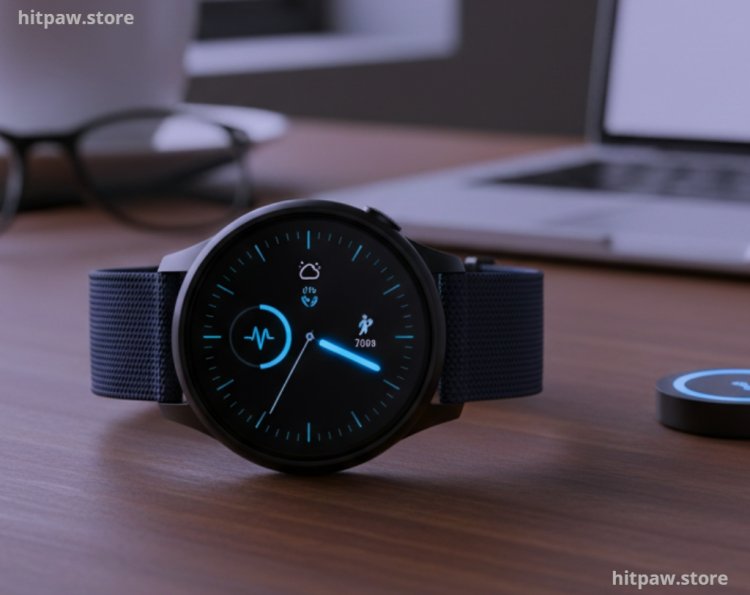
From my experience testing multiple wearable gadgets, the key takeaway is to focus on practicality and comfort rather than flashy features. A gadget may look advanced, but if it’s heavy, difficult to use, or drains the battery too quickly, it ends up being more of a hassle than a help. I recommend prioritizing devices that align with your lifestyle whether it’s fitness tracking, sleep monitoring, or productivity assistance.
Always test a device for a few days to ensure it fits your routine, provides accurate data, and feels comfortable for daily wear. Paying attention to app integration, battery life, and build quality will save you frustration in the long run.
Finally, remember that wearable tech is a tool to enhance your life, not replace your habits. The right gadget should support your goals, simplify your routines, and give insights that truly matter to you.
FAQs Wearable Tech Gadgets Reviewed
1. Which wearable gadget is best for beginners?
From my experience, Fitbit Charge 6 and Xiaomi Mi Band 8 are ideal for beginners. They are simple to set up, provide accurate step and sleep tracking, and don’t overwhelm you with too many advanced features.
2. Do I really need a smartwatch if I already have a smartphone?
I thought I didn’t at first, but using a smartwatch saves a lot of time. I can see notifications, respond to messages, and track workouts without constantly picking up my phone especially useful during work or exercise.
3. How accurate are wearable gadgets for health tracking?
Accuracy varies. I found premium devices like Garmin Venu 3 and Oura Ring Gen 3 provide highly reliable heart rate, sleep, and activity data. Budget devices work well for steps but can overestimate calories burned.
4. How often do I need to charge these gadgets?
Battery life differs by model. Apple Watch Series 9 needs daily charging with heavy usage, while Garmin Venu 3 and Oura Ring can last 5 to 7 days. I recommend tracking your usage patterns to adjust charging schedules.
5. Can I wear these gadgets while sleeping?
Yes, but comfort matters. I prefer lightweight bands or rings for sleep tracking. Heavy or tight straps can disturb your sleep and reduce data accuracy.
6. Do all wearable gadgets require app integration?
Most do. Apps give detailed insights, trends, and notifications. I always pair my devices with their official apps to unlock full functionality, like setting goals, monitoring progress, and updating firmware.
7. Are wearable gadgets water resistant or safe for swimming?
Some are. For example, Fitbit Charge 6 and Garmin Venu 3 are swim safe, but I always check the official specifications. Water resistant doesn’t mean fully waterproof, so submerging them deeply or using harsh chemicals can damage the device.
8. How do I choose the right wearable gadget for my lifestyle?
I make a checklist: battery life, comfort, health tracking features, app compatibility, and budget. I also test gadgets for at least a week to see if they truly meet my daily needs before committing.
What's Your Reaction?